


Table of Contents
ToggleA poorly planned desk setup isn’t just uncomfortable, it’s costing you focus, energy, and work quality. Whether you’re battling back pain from a sagging chair or losing hours to tangled cables and clutter, your workspace layout directly impacts how well you perform. The good news? Building an effective desk setup doesn’t require a complete office overhaul or a four-figure budget. With deliberate choices about ergonomics, space planning, and cable routing, anyone can transform a cramped corner or spare bedroom into a functional command center. This guide walks through practical desk setup ideas that prioritize comfort, efficiency, and the kind of organization that actually sticks.
Key Takeaways
- A proper work office desk setup requires at least 48 inches of width for a single monitor, keyboard, and notebook, with desk height at 29-30 inches to keep forearms parallel to the floor while typing.
- Monitor placement at eye level and 20-26 inches away, combined with task lighting positioned to minimize shadows, reduces eye strain and improves focus during long work sessions.
- Effective cable management using adhesive clips, cable sleeves, and labeled wires prevents tripping hazards, dust buildup, and the frustration of troubleshooting device connections.
- Ergonomic office desk arrangements must include lumbar support, adjustable chair height with proper footrest positioning, and keyboard trays for laptop users to prevent neck and shoulder pain.
- Space-saving desk setup ideas like wall-mounted desks, corner furniture, and vertical storage maximize small home offices while maintaining functionality and organization.
- Personalizing your workspace with strategically placed plants, minimal decor, and matching accessories creates an inspiring environment without sacrificing focus or introducing visual clutter.
Essential Elements of an Effective Desk Setup
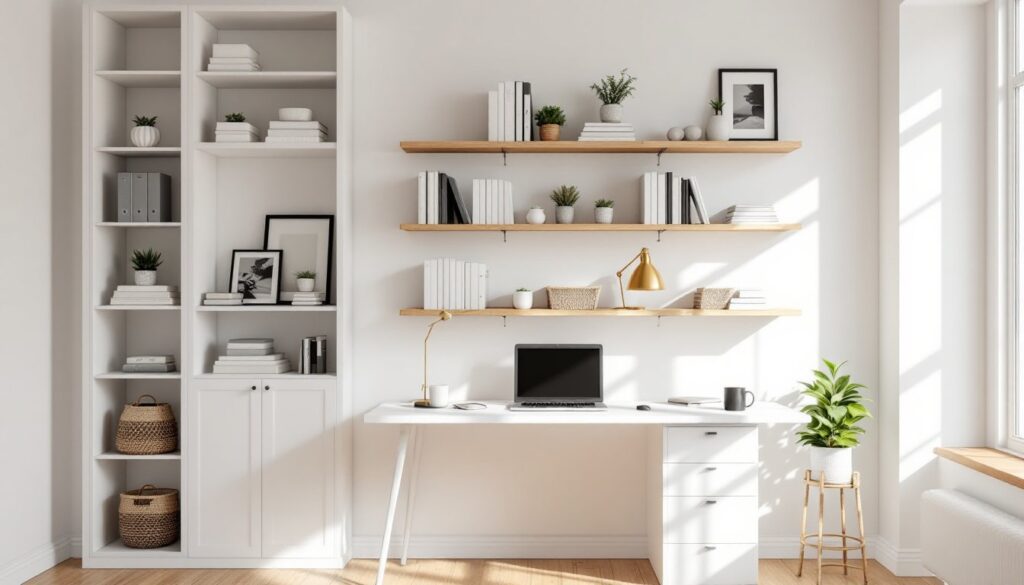
Every productive desk setup starts with the same foundation: adequate work surface, proper lighting, and organized tool access. Skip any of these, and you’ll notice the friction immediately.
Work surface area matters more than most people think. A desk should offer at least 48 inches of width and 24 inches of depth for a single monitor, keyboard, and notebook space. Dual-monitor setups or anyone who sketches, reviews printed plans, or spreads out reference materials should aim for 60 inches or wider. L-shaped desks provide corner leverage and effectively double usable surface without eating much floor space.
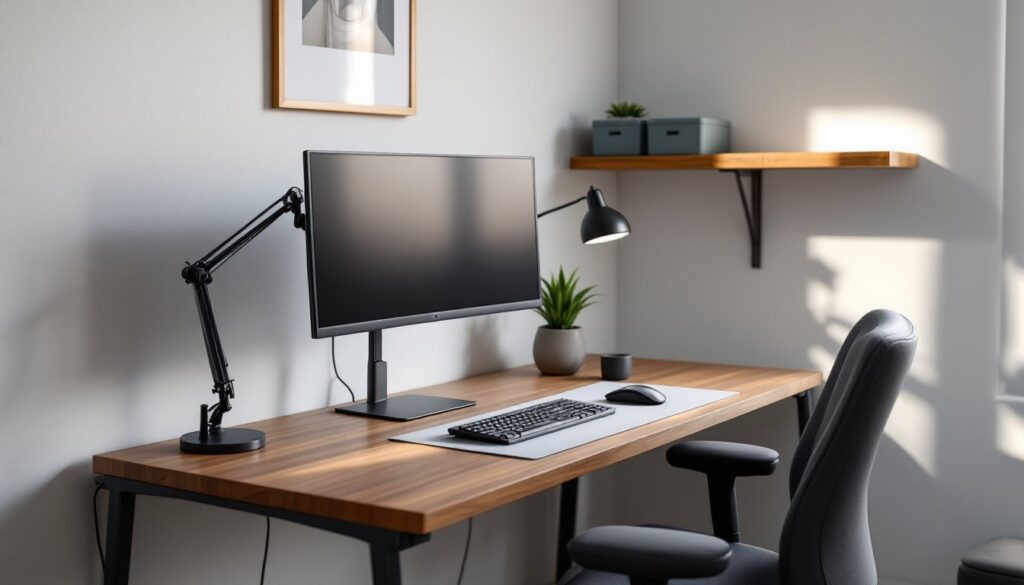
Task lighting prevents eye strain and reduces reliance on harsh overhead fixtures. Position a desk lamp with an adjustable arm on the side opposite your dominant hand to minimize shadows across your work. LED bulbs rated at 3000-4000K (neutral white) reduce glare on screens while keeping the space bright enough for handwritten notes or detailed work.
Power access should be planned, not improvised. Desks placed against walls work best when positioned near existing outlets, but freestanding setups or corner arrangements often need a surge-protected power strip mounted under the desk using cable clips or adhesive mounts. Route the main power cable along the desk leg or baseboard, never across open floor where it becomes a trip hazard.
Keep daily-use items within arm’s reach: pens, charging cables, notepads, and headphones. Anything used less than once a day belongs in a drawer or shelf, not cluttering your primary surface.
Ergonomic Office Desk Arrangements for Comfort and Health
Ergonomics isn’t about luxury, it’s about preventing repetitive strain injuries and the kind of chronic discomfort that builds over weeks and months. Poor posture accelerates fatigue and reduces focus, which is why getting the fundamentals right pays off immediately.
Your desk height should allow forearms to rest parallel to the floor when typing, with elbows bent at roughly 90 degrees. Standard desks sit at 29-30 inches, which works for most people between 5’8″ and 6’0″. Anyone shorter or taller should consider an adjustable-height desk or add a keyboard tray to drop the typing surface. Standing desk converters are an option, but they eat into usable desk space and often lack stability for anything beyond light typing.
Chair selection is non-negotiable. Look for adjustable seat height, lumbar support, and armrests that can be raised or lowered. The seat pan should allow 2-3 inches of clearance between the front edge and the back of your knees. Mesh-back chairs improve airflow, while padded seats offer more cushion for long sessions. If the chair doesn’t support your lower back naturally, add a small lumbar cushion rather than slouching forward.
Chair and Monitor Positioning for Proper Posture
Monitor placement controls neck strain. The top of your screen should sit at or slightly below eye level, and the monitor should be 20-26 inches from your face, roughly an arm’s length. Tilt the screen back 10-20 degrees to reduce glare from overhead lighting. Dual-monitor setups work best when both screens angle slightly inward, creating a gentle curve that keeps your neck centered.
Laptop users face a tradeoff: the screen sits too low, or the keyboard sits too high. Solve this with an inexpensive laptop stand that raises the screen to eye level, then add an external keyboard and mouse. This setup mimics a traditional desktop arrangement and eliminates the hunched-forward posture that leads to neck and shoulder pain.
Feet should rest flat on the floor or on a footrest. Dangling feet or pressure on the backs of your thighs restricts circulation and leads to discomfort within an hour. If your chair’s lowest setting still leaves your feet hanging, a simple footrest angled at 10-15 degrees solves the problem and costs less than twenty bucks.
Space-Saving Desk Setup Ideas for Small Home Offices
Tight quarters don’t mean you have to sacrifice function, but every square inch has to earn its keep. The key is vertical storage, wall-mounted accessories, and furniture that serves double duty.
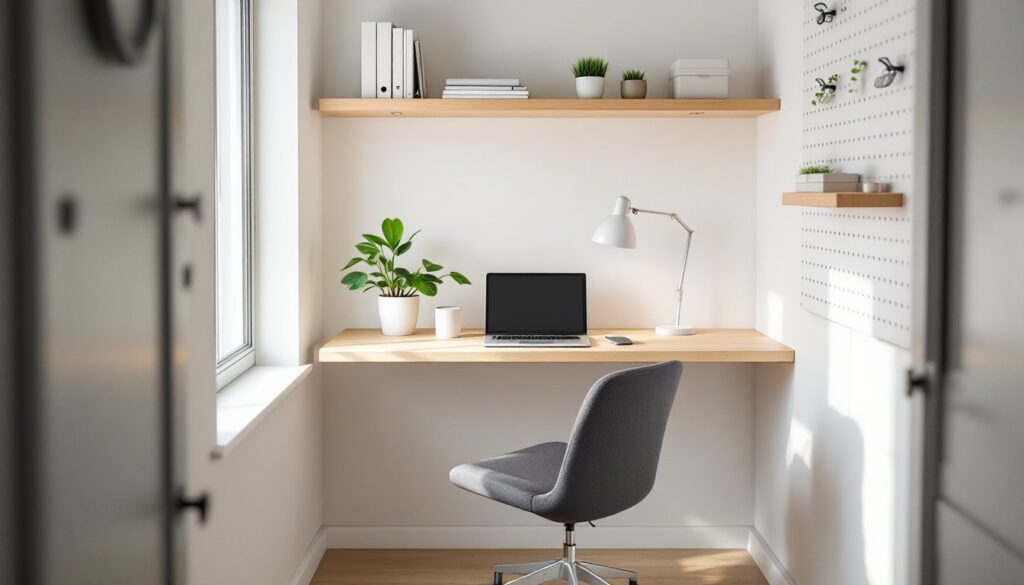
Wall-mounted desks or floating shelves with a desk surface below free up floor space and create a streamlined look. These setups work well in closets, alcoves, or narrow rooms where a traditional desk would block pathways. Use heavy-duty shelf brackets rated for at least 50 pounds per pair, and make sure they’re anchored into studs, not just drywall. A wood desktop cut to fit the space can be finished with polyurethane for durability and mounted on brackets for a custom look.
Corner desks maximize awkward spaces that would otherwise go unused. They provide two work surfaces at a right angle, letting you dedicate one side to a computer and the other to paperwork or a secondary task. For true space efficiency, custom-built solutions tailored to your room’s dimensions often outperform off-the-shelf options.
Compact desks designed for small spaces typically measure 36-42 inches wide and 18-20 inches deep, tight, but workable for a laptop, small monitor, and minimal accessories. Many small desk designs include built-in shelving or cubbies to reduce the need for separate storage furniture.
Vertical storage is your best friend in cramped offices. Pegboards, wall-mounted file holders, and floating shelves keep supplies visible and accessible without consuming desk or floor space. Use small bins or trays to group similar items, pens, charging cables, sticky notes, and label them if the space is shared.
Tech and Cable Management Solutions
Cable chaos isn’t just ugly, it’s a dust trap, a tripping hazard, and a maintenance headache every time you need to swap a device. Proper cable management takes ten minutes to set up and saves hours of frustration later.
Start by routing all cables through a single channel. Adhesive cable clips, plastic cable raceways, or even binder clips attached to the desk edge keep cords from snaking across your workspace. Power strips should be mounted on the underside or back edge of the desk using heavy-duty Velcro strips or mounting brackets.
Cable sleeves bundle multiple cords into a single flexible tube, making it easy to move a desk or vacuum underneath without snagging on loose wires. Use Velcro ties instead of zip ties to secure bundles: Velcro is reusable and easy to adjust when you add or remove devices.
Label both ends of every cable with a small piece of masking tape and a marker. It sounds tedious, but when you’re troubleshooting a dead monitor or swapping out a router, you’ll know exactly which plug to pull. Trust me, nobody enjoys playing cable detective behind a desk at 9 p.m.
Monitor arms not only improve ergonomics by allowing precise height and angle adjustments, they also clear desk clutter by eliminating the monitor’s base. Gas-spring arms rated for your monitor’s weight (check the VESA mount specs) are the most adjustable, but friction-based models cost less and still offer solid positioning. Most mount to the desk edge with a C-clamp or through a grommet hole.
For wireless accessories, designate a small charging station on one corner of your desk or on a nearby shelf. A multi-device charging pad or a simple USB hub keeps phones, headphones, and rechargeable mice topped off without requiring multiple wall outlets.
Personalizing Your Workspace with Decor and Plants
An office that feels sterile won’t inspire much enthusiasm, but clutter disguised as decor is just as bad. The goal is to add personality without sacrificing function or creating visual noise.
Plants improve air quality and add life to a workspace without demanding much maintenance. Low-light tolerant options like pothos, snake plants, and ZZ plants thrive in typical office conditions and only need watering every 1-2 weeks. Keep pots on coasters or trays to protect wood surfaces from water damage.
Small potted plants work well on desks, but if surface space is tight, consider wall-mounted planters or a narrow shelf above the desk. Just make sure any shelf over your work area is securely anchored, nobody wants a surprise dirt shower mid-Zoom call.
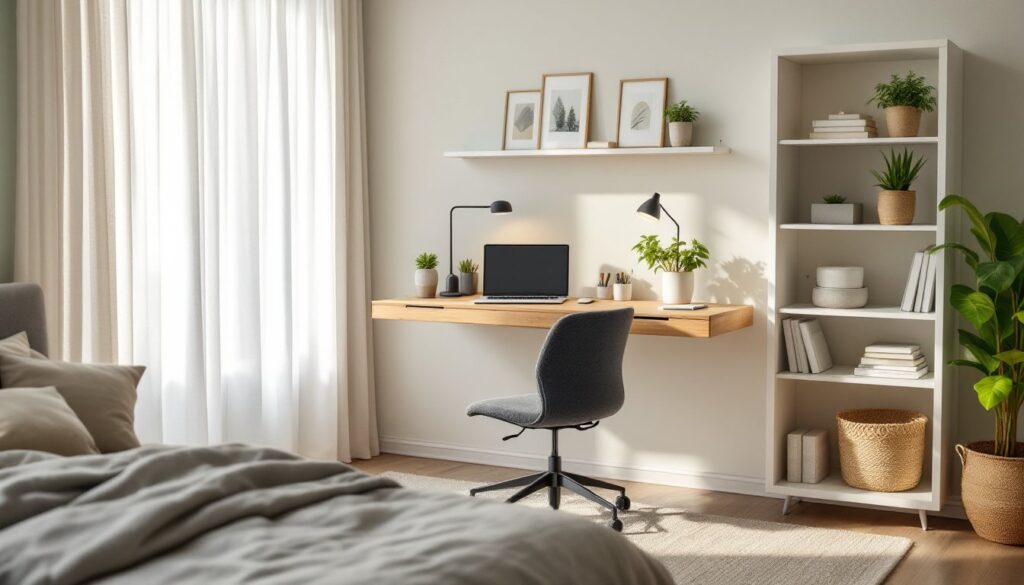
Artwork and personal items should be intentional. One or two framed prints, a small shelf with a few meaningful objects, or a bulletin board for notes and inspiration beats a chaotic gallery wall that competes for attention. Stick to a simple color palette that complements your desk and storage furniture.
Desk accessories like pen holders, trays, and organizers should match in style and material. Mismatched plastic bins and random containers create visual clutter even when they’re technically organized. Modern desk setups often favor metal, wood, or neutral-toned accessories that blend into the background.
Lighting also sets the mood. A warm-toned desk lamp or a small LED strip behind the monitor adds ambiance without interfering with task lighting. Avoid RGB lighting strips unless you’re genuinely into that aesthetic, most home offices benefit from a more restrained approach.
Keep decor off your primary work surface. Personal items belong on shelves, walls, or secondary surfaces where they’re visible but not in the way. The desk itself should stay clear except for active projects and daily-use tools.
Conclusion
A well-planned desk setup isn’t about chasing trends or copying minimalist Instagram accounts. It’s about reducing friction in your workday: fewer aches, less time hunting for tools, and a space that actually supports the kind of focus your job demands. Start with ergonomics and cable management, then layer in storage and personalization as needed. The best office setup is the one you’ll maintain, so keep it simple, keep it functional, and adjust as your work evolves.